
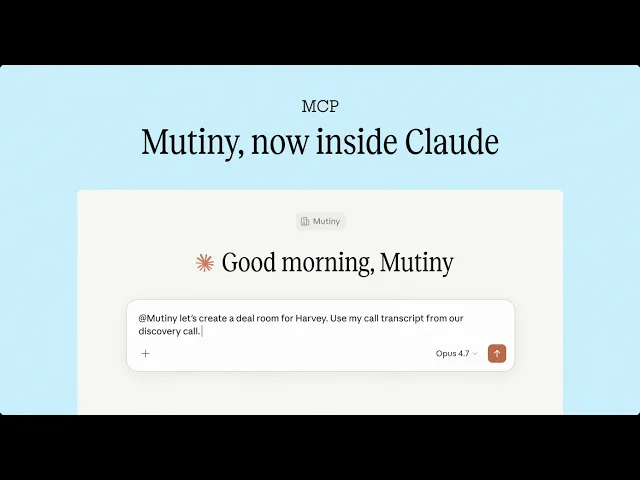
Today we're launching the Mutiny MCP server. Sellers and marketers can now create fully on-brand ABM campaigns, deal rooms, pitch decks, business cases, and personalized outbound without ever leaving Claude or ChatGPT. Every asset is built on-brand, fully editable, and tracks who viewed it.
GTM teams spend hours context switching
For the last two years, sellers and marketers have been relocating a huge portion of their day into interfaces like Claude and ChatGPT. Account research. Summarizing meeting transcripts. Creating email drafts. Discovery prep. But the execution layer never reached these models.
You'd spend forty minutes building a sharp point of view on an account inside Claude and then tab into a separate tool to actually create the page, deck, or email the buyer would see. Context and time got lost at every handoff.
MCP closes that loop. The thinking and the brand deliverable now live in the same conversation.
What this actually means for sellers and marketers
When Mutiny is a tool inside Claude, your AI assistant stops being a research partner and starts being a teammate that ships work. You don't ask Claude to help you write a personalized landing page. You ask Mutiny, inside Claude, to build it; and an on-brand page comes back, ready to send. Same for the deal room, the pitch deck, the exec business case, the ABM campaign.
And because MCP is an open standard, Mutiny composes with everything else in your stack that supports it. Pull a deal from Salesforce, grab the latest call from Granola, check the contact's recent activity in HubSpot, generate the asset in Mutiny, and drop the link into an email to your champion, all without leaving the chat.
What used to be a half-day of work between six tabs is now a quick request and a few minutes of generation. The result: every account gets the treatment that used to be reserved for your top ten.
Three workflows worth implementing
We've been watching how early users put this together. A few patterns stand out.
1. Maximize deal ACV and velocity. Create a fully branded deal room with your pricing proposal, and pulling in all your call transcript data to show internal traction.
2. Personalized outbound at scale. Create a prospecting campaign for all your cold accounts. Upload a list or connect your CRM, Claude writes the emails, and Mutiny generates a personalized prospecting page for each account.
3. Real-time engagement intel. Get proactive pings in Slack when a contact opens your assets. So you can multi-thread with new stakeholders on the buying committee while the iron’s hot.
These are the obvious starting points. The interesting ones are still being invented by reps and marketers who are figuring out what becomes possible when bottlenecks no longer exist.
Where this is going
The center of gravity for GTM work is moving into these interfaces. Tools that stay outside that surface will increasingly feel like detours. Tools that show up inside will feel like extensions of the person using them.
We built the Mutiny MCP server because we want creating a personalized buyer experience to be as fast as having the idea for one. Today, it is.
How to connect
Claude (web or desktop). Go to Settings → Connectors and click Add custom connector. Enter Mutiny as the name and https://mcp.mutinyhq.com/mcp as the server URL.
Claude Code. Run claude mcp add --transport http mutiny <https://mcp.mutinyhq.com/mcp> in your terminal.
ChatGPT. Go to Settings → Apps and click Add custom app. Enter Mutiny as the app name and https://mcp.mutinyhq.com/mcp as the server URL.
A good first prompt once you're connected: "What templates are available?" From there, point at an account, paste in a transcript or research notes, and ask for the asset. Iterate in conversation, then ask Claude or ChatGPT to publish it — you'll get a live, shareable URL back in the same thread.
Read more on our help center.
Get started for free.